ViralStitch
A native Mac app that turns a chaotic, multi-platform short-form pipeline (sourcing, branding, scheduling, analytics) into one calm, four-step workflow.



Running a repurposed-content channel is a grind of disconnected tools. ViralStitch collapses it into one opinionated window.
Finding trending shorts, downloading them, branding each one, posting consistently across platforms at the right time, and figuring out what's working, all in separate apps and spreadsheets.
Let a solo operator run multiple high-volume channels without living in a spreadsheet: one window, built around the actual workflow rather than a pile of features.
A packaged native Mac app, with no browser tab and no terminal. It lives in the Dock and posts automatically in the background to YouTube and Instagram, with TikTok on the roadmap.
Four steps. One window.
Paste a creator. Pull proven hits.
Point it at a YouTube Shorts channel or a direct link, set how many videos and a minimum-view threshold, hit Run. A live gradient progress bar tracks "Finding videos…" → "Downloading…".
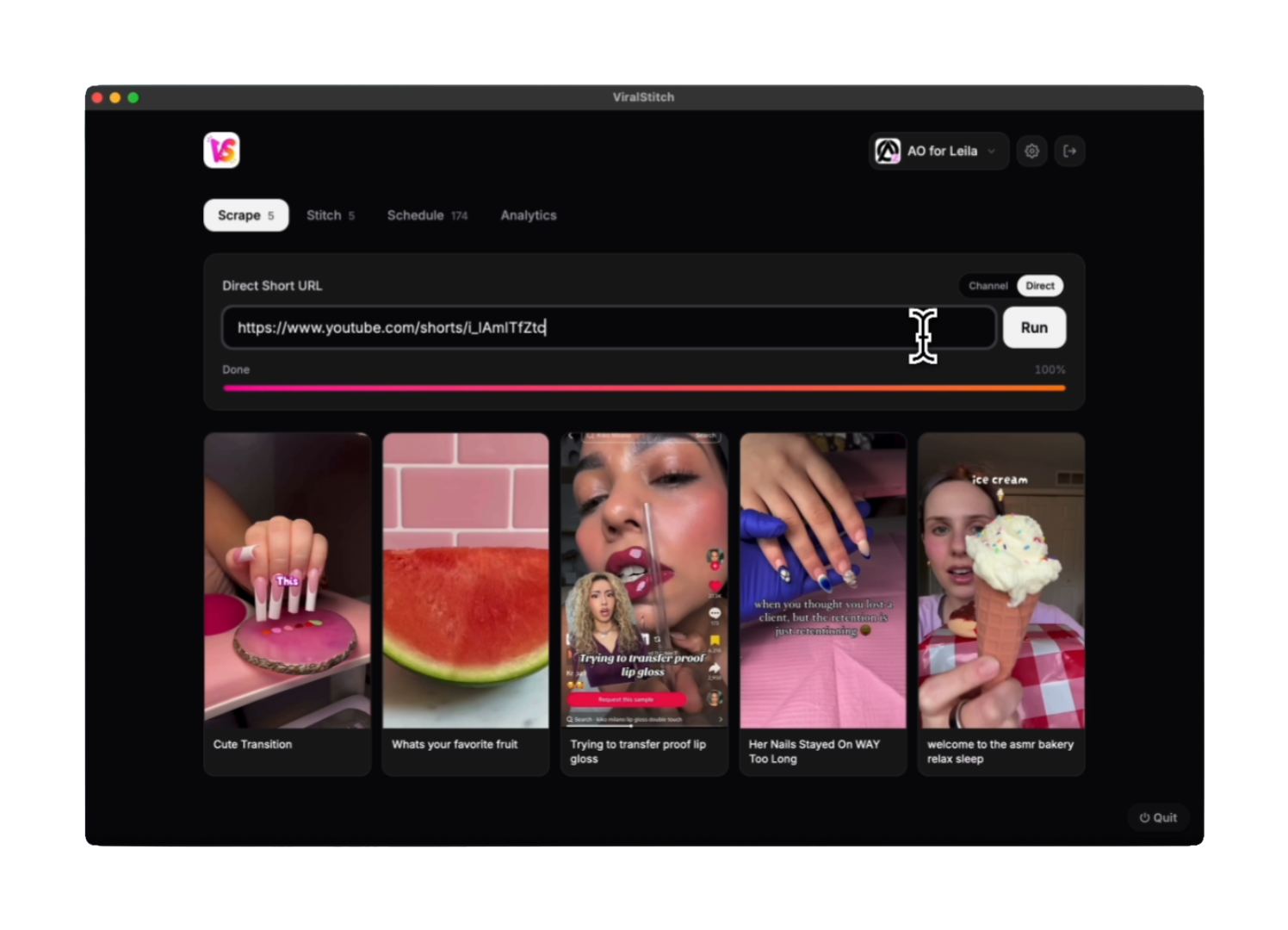
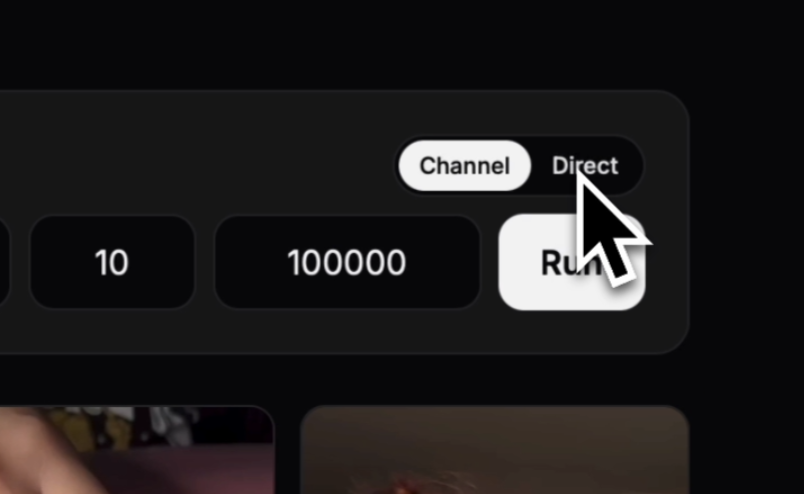
A compact pill toggle switches between scraping a whole Channel and a Direct short URL: two distinct sourcing modes living in a single control, with count and min-view fields right beside Run.
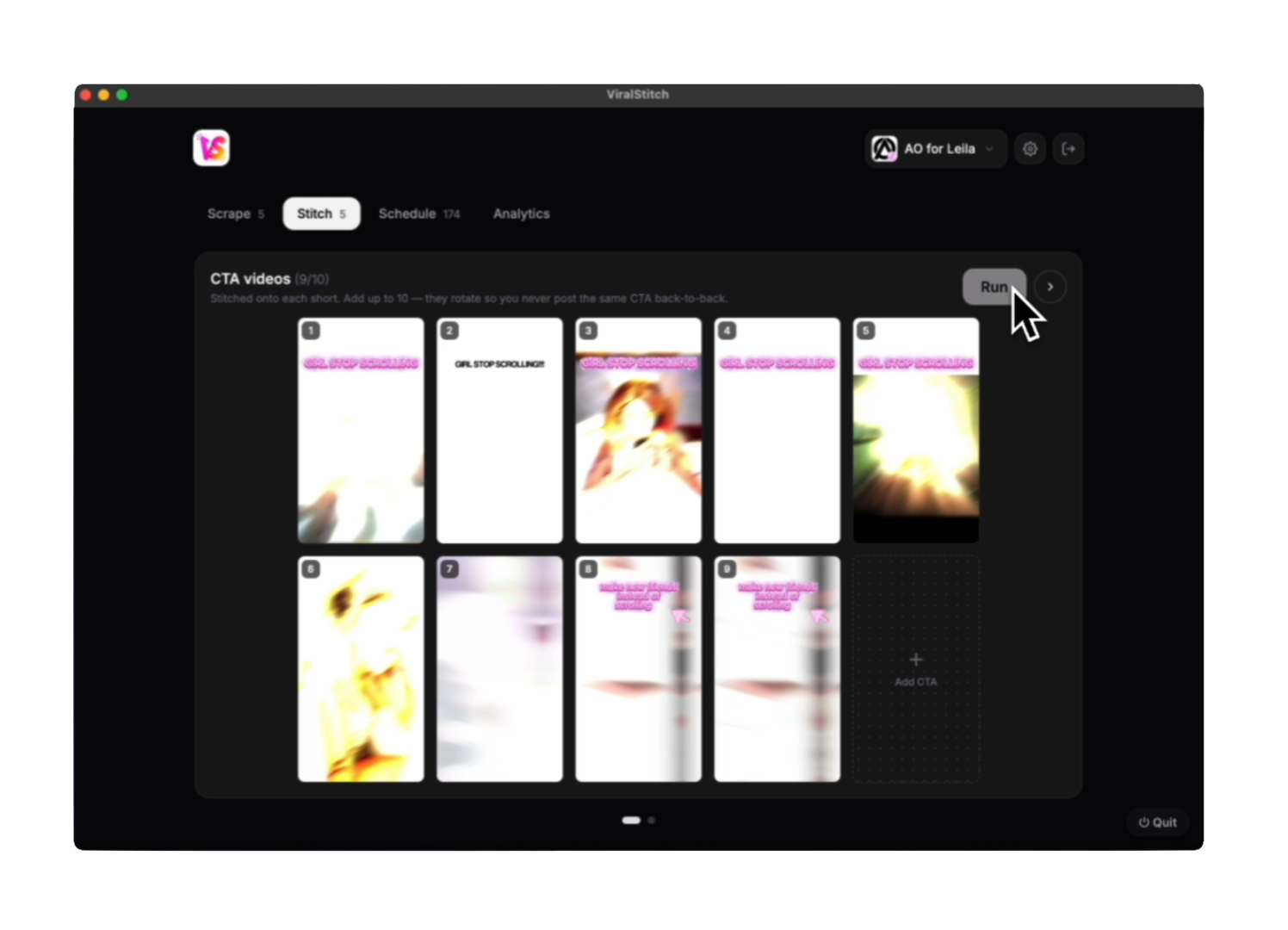
A rotating CTA, branded onto every clip.
Manage up to 10 CTA clips that get stitched onto each short. They rotate so the same CTA never posts back-to-back. A paged view swipes between the CTA library and the finished videos, so nothing scrolls off-screen.
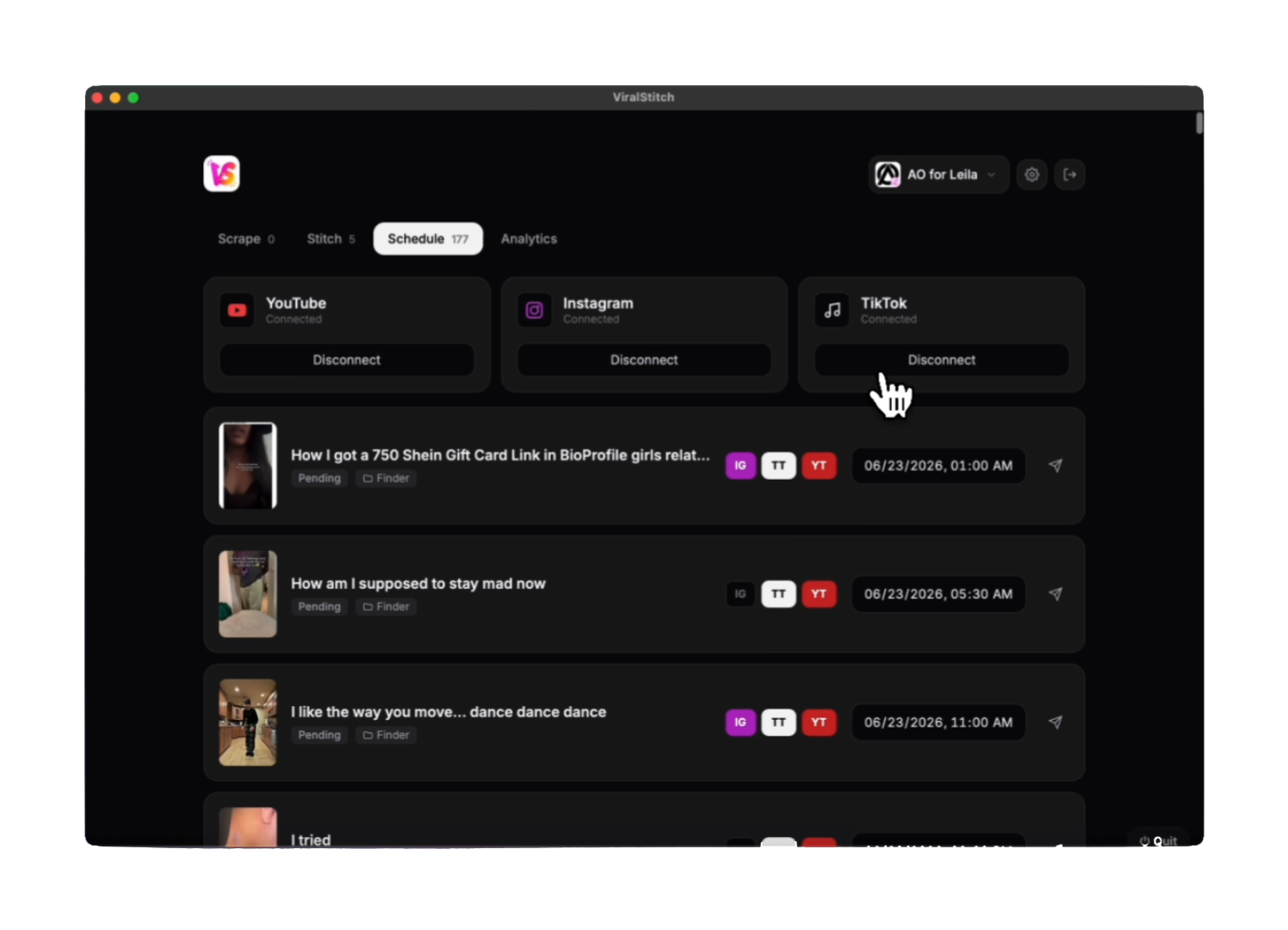
Connect platforms. Set times. Walk away.
Connect YouTube, Instagram and TikTok, toggle which destinations each video posts to, set exact post times, and let the background scheduler fire them. Cards are drag-to-reorder, and "Sync all" copies the primary platform's schedule down to the rest.
Data on demand. Calm by default.
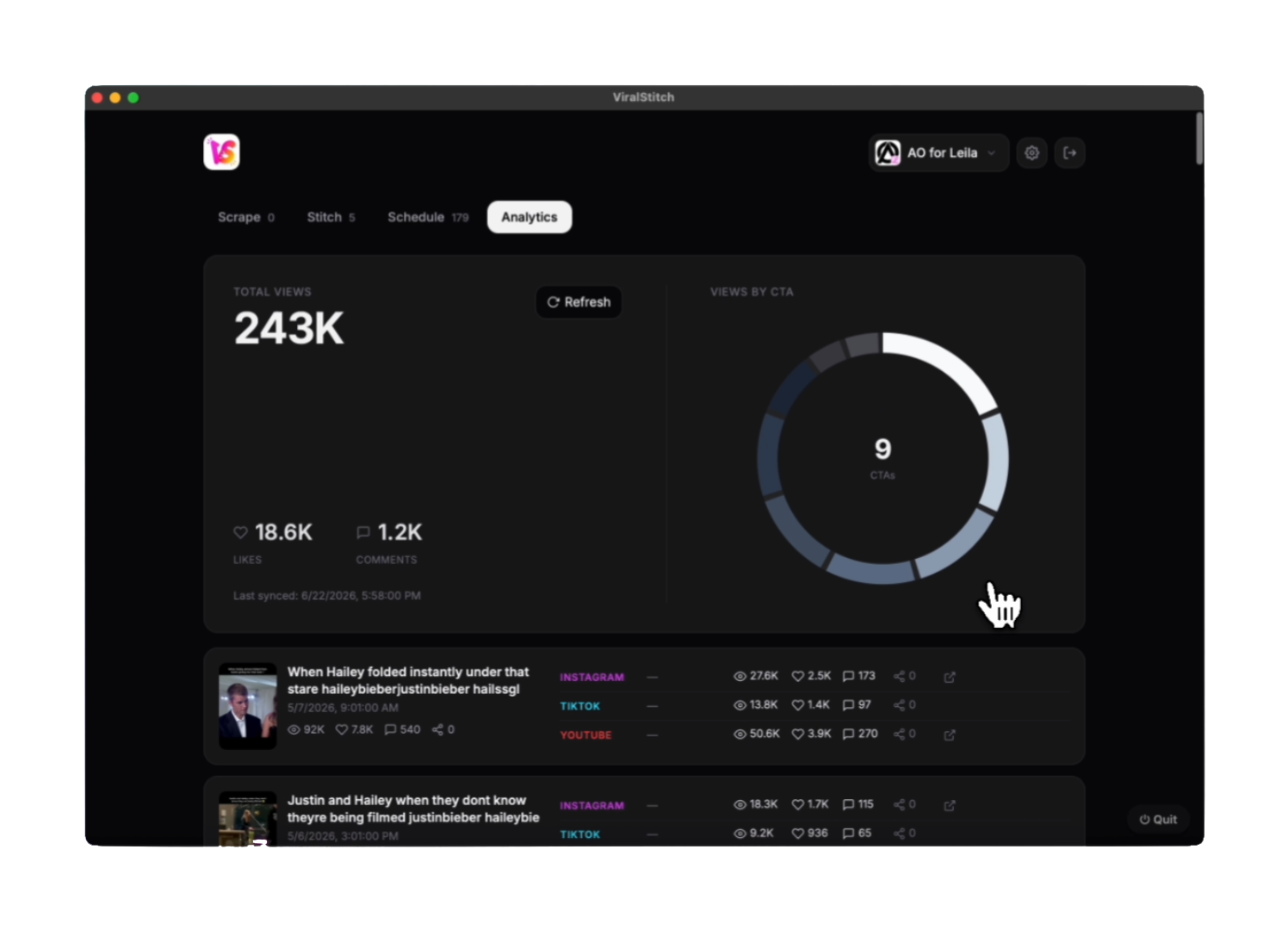
Total views, likes and comments on one side; a thin monochrome donut showing how reach is distributed across CTAs on the other. Hover a segment and the rest dims; the center swaps to that CTA's exact share, views, and how many videos it spans. No rainbow clutter.
From "functional and clunky" to a premium tool.
A Linear/Vercel-adjacent dark UI: generous whitespace, restrained type, subtle borders, rounded surfaces. A deliberate redesign moved the product upmarket.
A thin monochrome ring, no rainbow clutter. Hovering a segment dims the rest; the center swaps to that CTA's exact share, views and span.
CTA library and stitched output live as two swipeable pages with inline arrows and a looping carousel motion, so the tab never becomes a long scroll.
Each platform gets its own list of post times; cards are drag-to-reorder, and "Sync all" copies the primary platform's schedule down to the rest.
Brand-gradient progress bars, compact pill toggles, balanced grids that reflow by item count, and multi-project switching with distinct logos.
Posts are public and irreversible. So correctness is treated as high-stakes.
The fear of a duplicate public post shaped both the UX and the architecture underneath it.
A single-instance lock, cross-process file locking on the schedule, atomic writes, and idempotent uploads, so a post is skipped if a matching one already exists on the platform.
If the Mac slept through a slot, the queue shifts forward onto fresh slots instead of firing a catch-up burst. A power assertion keeps the background scheduler posting overnight.
Separate projects, each with their own CTA library, schedule, credentials, and branding. You switch between them from one menu, each with a distinct per-brand logo.
What's under the hood.
A background scheduler thread; Playwright discovers Shorts, pytubefix downloads, ffmpeg stitches and merges.
A single static UI served by the app, with no build step and no framework weight.
YouTube via the Data API with OAuth; Instagram via instagrapi. TikTok on the roadmap.
Wrapped as a native macOS .app via pywebview, with no terminal, living in the Dock.
The product’s front door, in the same voice.
The live, shipping landing page, embedded here in full. Light and conversion-focused, built in the same brand voice as the app.
for a chaotic workflow.
Sourcing, branding, scheduling and analytics in one opinionated Mac app, engineered so a public post never fires twice.